
Generating a Campaign Report
Learn to generate a Periodic PowerPoint report on your Feeds

-
Click the Reports tab to get started!

-
The first step to creating reports is selecting the Focus which you want your reports to focus on.
Create Report
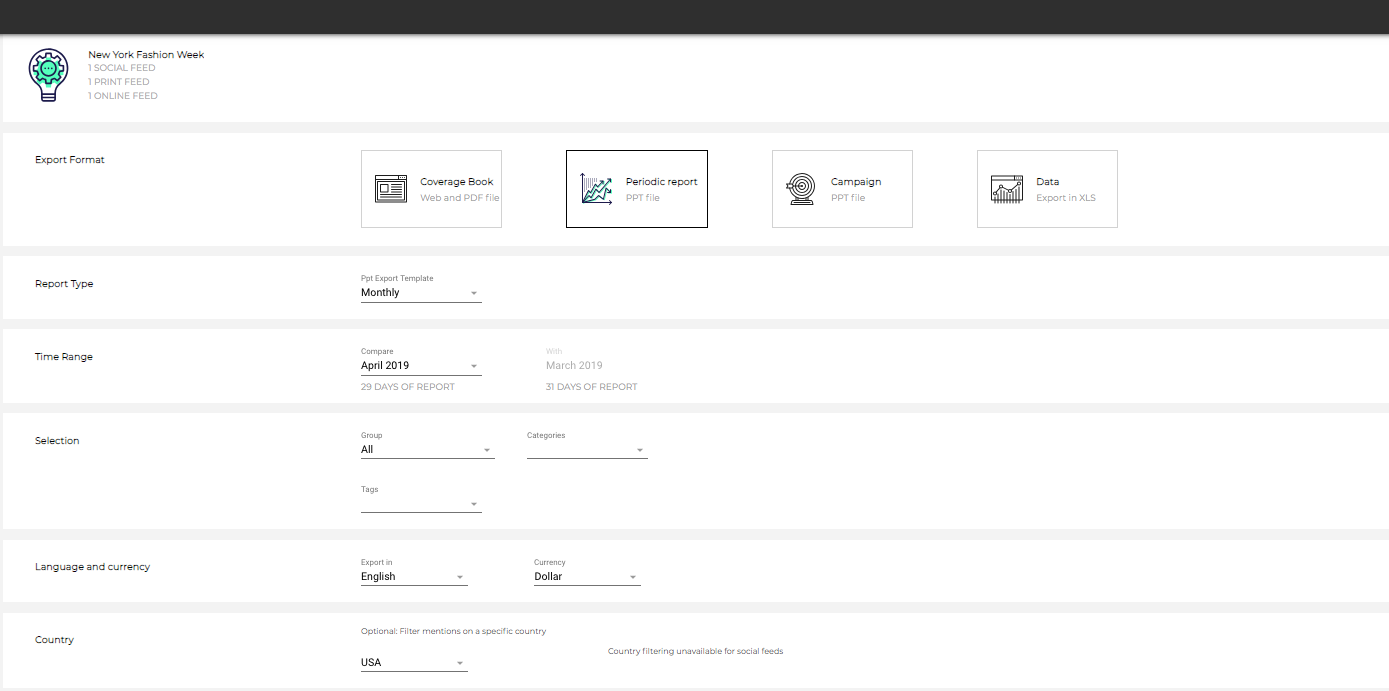
Sections of the Report Settings
-
Export Format
-
Report Type
-
Time Range
-
Selection
-
Language and currency
-
Country
For more details information on each of these 6 sections please refer to this support article on "Generating Reports".The article that you are reading now is directly related to generating "Periodic" PowerPoint reports.
Generating the Periodic Report
-
Select which feeds you want to choose
-
-
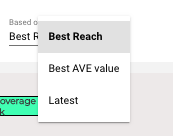
Clippings - This will give you the option to choose how many mentions and based on either Reach, AVE Value, or Latest
-
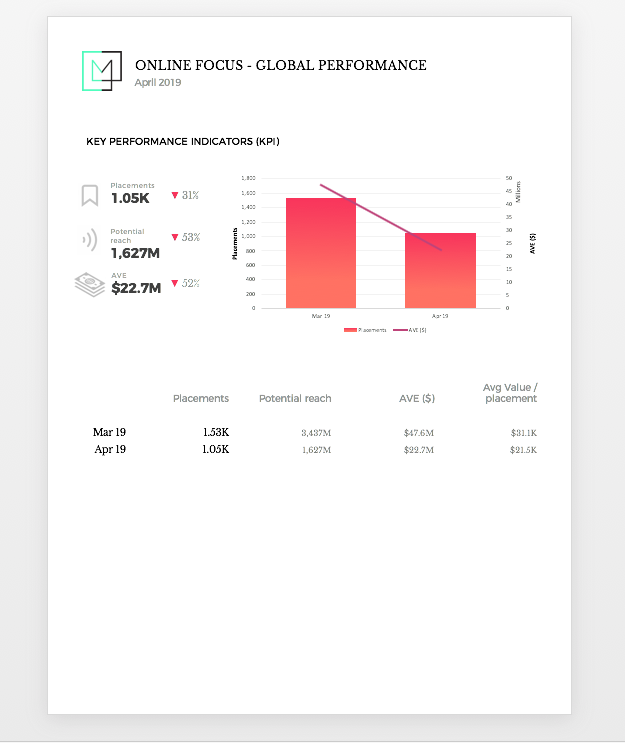
Periodic PowerPoint Report
-
-
This is an example of 1 page from the Periodic PowerPoint reports that are generated. In this example, the report is providing a monthly comparison of your key performance indicators based on placements, potential reach, and AVE.
Commenti
0 commenti
Accedi per aggiungere un commento.